Overview of Google Merchant Center
The Google Merchant Center is the control centre for successful Google Shopping and Performance Max campaigns. Here, you manage product data, optimise feeds, and control ads. Careful handling ensures maximum visibility, fewer rejections, and increased revenue.

The Google Merchant Center is the central platform for managing and providing product data for Google services such as Google Shopping or Performance Max campaigns. Merchants use it to provide complete and up-to-date information about their range – including product images, prices, availability, shipping costs, and other attributes.
This data forms the basis for ensuring that products are displayed correctly and attractively in Google's search results and ads. Without a set up Merchant Center, Google Shopping Ads cannot be run.
The Google Merchant Center for E-Commerce
The Merchant Center serves as an interface between your online shop and the advertising formats in Google. It allows precise control over product presentation, central management of data, and a direct connection to Google Ads for running and optimizing campaigns.
The Google Merchant Center is therefore particularly relevant for:
E-commerce companies of all sizes
Marketing agencies implementing shopping or PMAX campaigns for clients
Manufacturers and brands that promote products directly online
Those who want to leverage the full potential of Google Shopping and Performance Max cannot pass by an optimized Merchant Center.

Functions of the Google Merchant Center
The Google Merchant Center offers a variety of functions that help merchants optimally present their products and efficiently promote them through Google. The most important areas are:
Product feed management
The heart of the Merchant Center is feed management. Here, product data is uploaded, stored, and regularly updated.
Various feed types are supported:
Primary feeds: contain the complete product catalog
Supplementary feeds: supplement or overwrite existing data
Automatic item updates: synchronize price and availability changes with the website
A well-structured feed is the basis for successful Google Shopping and Performance Max campaigns.
Ad formats & Google Shopping
Product data is transmitted to Google Ads via the Merchant Center to be displayed in shopping ads, free product listings, and local inventory ads.
The tool ensures that the data complies with Google policies to avoid ad disqualifications or product rejections.
Performance tracking & reporting
The Merchant Center provides reports on impressions, clicks, and conversions at the product level.
These insights help to:
Identify top performers
Direct budget to high-revenue items
Specifically optimize underperforming products
Advanced reports can be linked with Google Ads and Google Analytics to enable cross-channel analyses.
Automatic updates & synchronization
The Merchant Center can be directly connected to popular shop systems like Shopify, WooCommerce, or PrestaShop. Changes in the shop – such as price or inventory adjustments – are automatically transmitted to Google.
API interfaces also allow for custom integrations.

Optimal setup for your Google Merchant Center
A well-set-up Google Merchant Center is the foundation for successful Google Shopping and Performance Max campaigns. In addition to the pure feed setup, there are numerous optimization possibilities to enhance visibility, click-through rate, and conversion rate.
1. Feed optimization for more visibility
Optimize product titles: Place relevant keywords at the beginning (e.g., brand, product type, main features).
Use high-quality images: Minimum size 800 × 800 pixels, without watermarks or text overlays.
Detailed descriptions: Clearly specify all important features (material, size, color, intended use).
Seasonal adjustments: Align titles and descriptions with current trends or seasons.
2. Error avoidance in product data
Common errors that can be avoided with a few measures:
Price discrepancies between website and feed → activate automatic item updates.
Incorrect availabilities → regularly synchronize stock levels.
Unsupported special characters in the feed → check and correct before upload.
A regular look into the diagnosis area of the Merchant Center helps to quickly identify errors.
3. Use of custom labels & segmentation
With custom labels, products can be grouped according to individual criteria, such as:
Season (summer, winter)
Margin strength (high, medium, low)
Bestsellers vs. discontinued models
These labels enable targeted budget allocation in Google Ads and support data-driven campaign management.
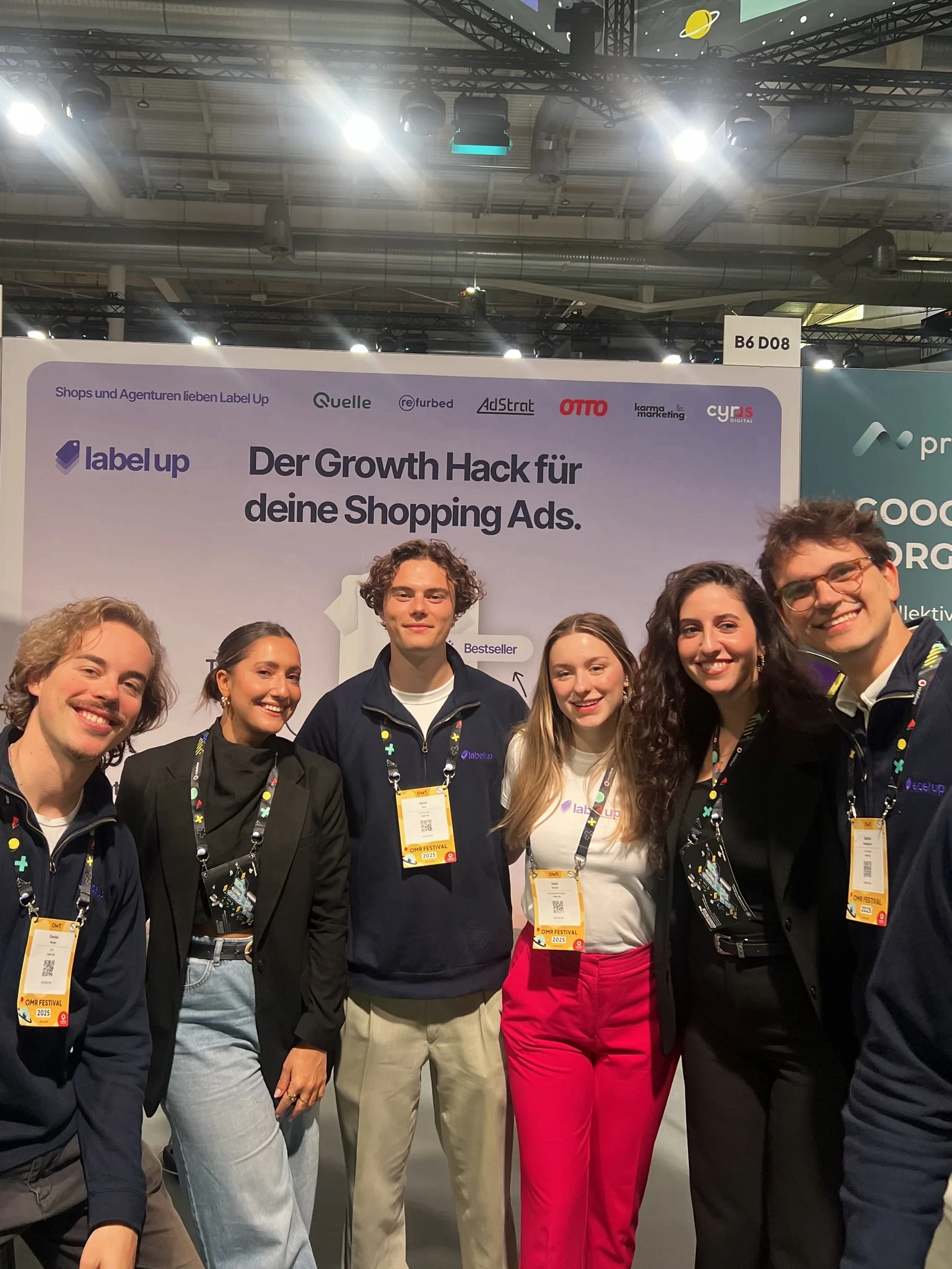
Google Merchant Center Tip: The labeling tool by Label Up helps you create custom labels for your products and allows you to segment your products based on performance. Additionally, with Label Up, you can define other KPIs for segmenting your products and keep track of where data from PMAX is no longer sufficient. |
4. Regular performance evaluation
Weekly analysis of impressions, clicks, and conversion values at the product level.
Target budget toward items with high ROAS.
Review and optimize or pause products with low performance.
Conclusion: What the Google Merchant Center can do
The Google Merchant Center is much more than just an upload tool for product data – it is the central control hub for successful Google Shopping and Performance Max campaigns.
Those who maintain their feeds cleanly, comply with guidelines, and use the reporting tools lay the foundation for high visibility and strong sales figures.
With the best practices described in this article – from feed optimization to using custom labels to consistent error avoidance – the full potential of the Merchant Center can be leveraged.
An optimized Merchant Center not only saves time and nerves but also provides the basis for better performance in Google Shopping and Performance Max. Now it’s up to you to take the next steps – and make your range visible exactly where your customers are searching.
About

Label Up is a tech provider from Vienna that helps agencies and shops achieve better results with its own Google Shopping CSS and smart label-based optimization.

Other topics