
What is the Google CSS Center?
The Google CSS Center is the central management tool for price comparison portals. Here you manage retailer accounts, analyze performance, and optimize feeds centrally. With clear structures, API connections, and labeling options, you create control, efficiency, and transparency across all campaigns.

If you are an operator of a price comparison portal managing Google Shopping or Performance Max campaigns, there is one tool you cannot miss: the Google CSS Center. This is where everything comes together: from managing linked merchant accounts to performance evaluations, to optimizing your feed quality. The CSS Center is the key to strategically scaling your price comparison portal – data-driven, structured, and with full control over all Merchant Accounts. Those who properly utilize their CSS Center not only save time and nerves but also noticeably enhance campaign performance.
With responsibility for Google Shopping and Performance Max campaigns in Europe, engaging with a Google CSS and a price comparison portal is indispensable.
Once you manage price comparison portals, you also gain access to the Google CSS Center. In the Comparison Shopping Service Center (CSS Center), price comparison portals receive a central overview of their connected merchants: they can manage merchant accounts, view performance data, and retrieve individual recommendations.
Tip: Instead of relying on Google or third-party providers, you can save up to 20% CPC as a own Google CSS partner and benefit from advantages such as own branding, enhanced support, and free clicks on top. |
|---|
Functions in the Google CSS Center at a glance:
Central access to all Merchant Center accounts you manage
Overview of all linked accounts with consolidated information
Detailed insights into individual price comparison portal domains
Early problem detection through aggregated data views and analysis of possible rejection reasons
User management: add, remove users and control access rights for domains and merchants
Utilize recommendations to optimize the product pages of your price comparison portal
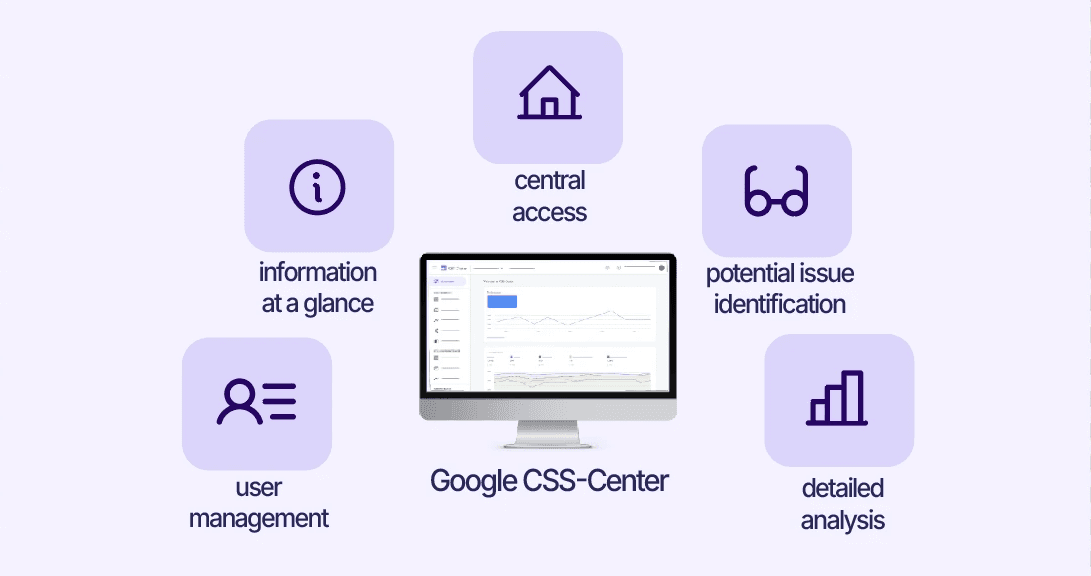
Management and options of the Google CSS Center
The Google CSS Center is much more than just a management interface – it is the central control tool for price comparison portals that manage multiple merchants. This is where everything comes together: from user management to performance analysis of your entire portfolio.
Directly through your central CSS account, you gain access to all linked domains of your price comparison portal.
Account types in the Comparison Shopping Service Center
The issue of access management is also efficiently solved in the CSS Center. Through the "Account Access" page, users and contacts can be managed and rights for the Merchant Center can be targeted. In the CSS Center, there are different account types, and to make the best use of the Center, it is important to understand the differences between all units.
CSS Center vs. CSS Domain
At the top of the hierarchy is the CSS Group – the organizational unit of a price comparison portal (e.g. "LabelUpCSS"). A single CSS Group can include multiple CSS domains (e.g. "LabelUpCSS.at"& "LabelUpCSS.de"). A CSS Domain is the unit that is attributed to a single domain (e.g. only "LabelUpCSS.at") and is authorized to run shopping ads in the respective countries under the CSS program.
Each domain always belongs to exactly one CSS Group but can be linked to several Google Merchant Center accounts.
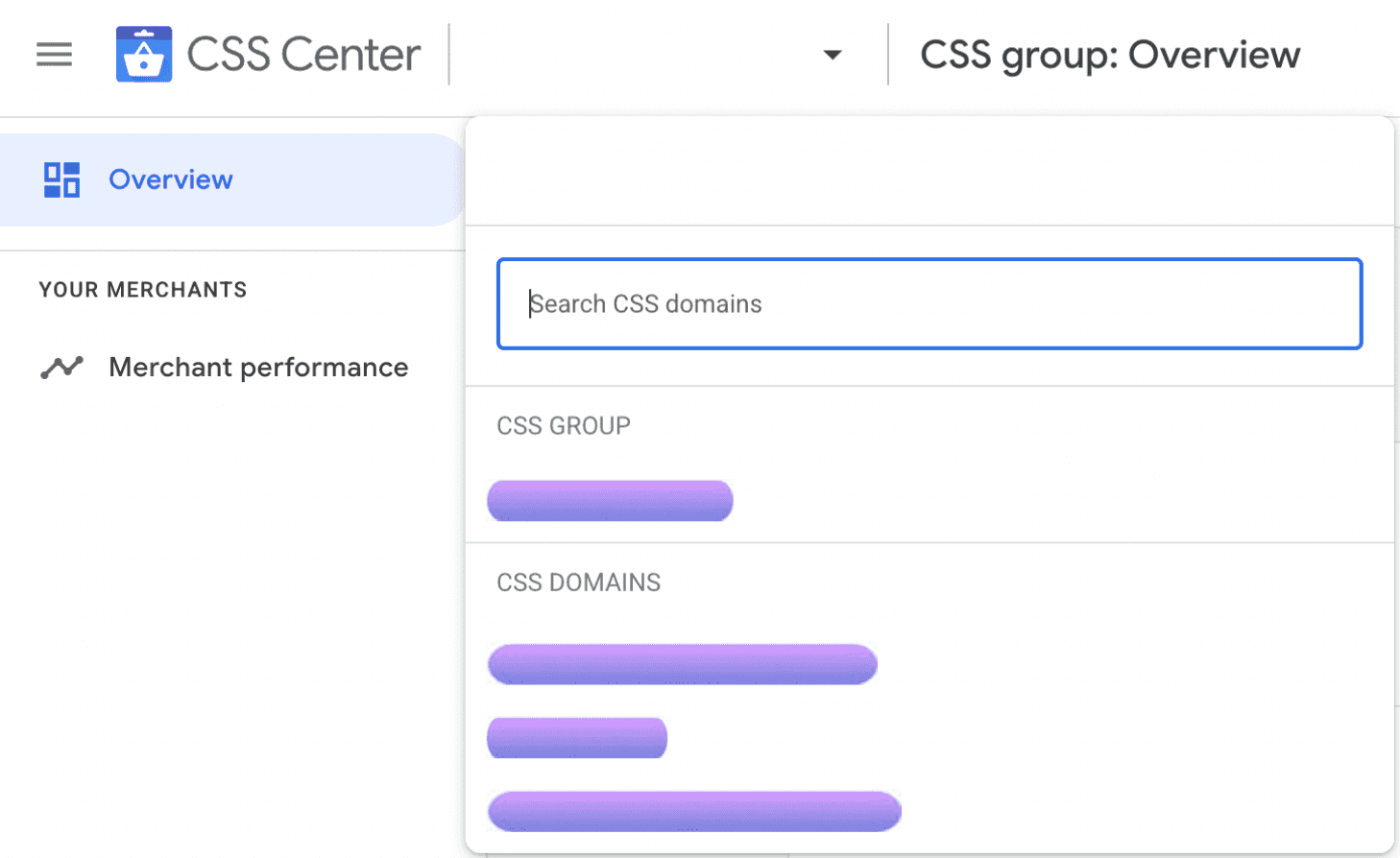
Each CSS Domain can be assigned the following Merchant Center account types:
Primary CSS-MCA (Multi-Client-Account)
The MCA is the main multi-client of a CSS. From the MCA, a CSS can create sub-accounts for each of the merchants it represents, and orders can then be uploaded to these accounts.
Marketplace MCA (optional)
A CSS can also collaborate with Marketplace MCAs and their sub-accounts.
Other MCAs (optional)
A CSS can also work with Merchant MCAs.
Individual accounts (stand-alone accounts, optional)
In some cases, CSS domains also work with stand-alone merchant accounts that are not part of a multi-client account.
On the "Merchant Accounts" page, you can see all your linked merchant accounts, including sub-accounts for multi-client accounts and the number of products uploaded. You can access these accounts in the Google Merchant Center through the CSS Center. More information
On the "Overview" page, you can request a merchant account migration from another price comparison portal and then view the migration process in the account migration report. More information
With labels, merchant accounts can be organized into smaller groups for easier management. More information
Merchant Accounts in the Google CSS Center
An additional central area is the management of linked merchant accounts. On the "Merchant Accounts" page, you can keep an overview of these, as well as all sub-accounts and the uploaded products.
If you want to add merchant accounts from another CSS, you can track the account switch process in the overview of the Google CSS Center.

Optimization of your performance with the Google CSS Center
The Google CSS Center also actively supports you in optimizing your merchant performance. In the "Account History" report, you can see relevant status changes at a glance. The "Account diagnostics" show you specific issues in the respective account, while the "item diagnostics" provide detailed insights into the condition of the products.
In the "Recommendations" section, you receive targeted hints on how to improve the feed quality of your customers – for better visibility on Google Shopping and maximum efficiency in campaign setup. This saves you valuable time during quick analyses or reportings.

Content API in the Google CSS Center
The Content API enables direct interaction between Merchant Center and CSS Center. This helps especially in managing large or complex Merchant Center or CSS Center accounts.
Similar to the Merchant Center, the Content API of Google Shopping can be used as a source for the CSS Center.
With the Content API, price comparison portals (CSS) can scale actions from the CSS Center, such as managing labels or listing linked Merchant Center accounts.

Conclusion: The CSS Center is your control center
If you manage many merchant accounts, oversee multiple countries or domains, aim for growth, and need maximum control over your Google Shopping system, then the Google CSS Center is indispensable. Combined with smart labeling (e.g., via Label Up) you achieve clarity, efficiency, and performance.
About

Label Up is a tech provider from Vienna that helps agencies and shops achieve better results with its own Google Shopping CSS and smart label-based optimization.

Other topics