Google Shopping Lifestyle Images as a Performance Lever
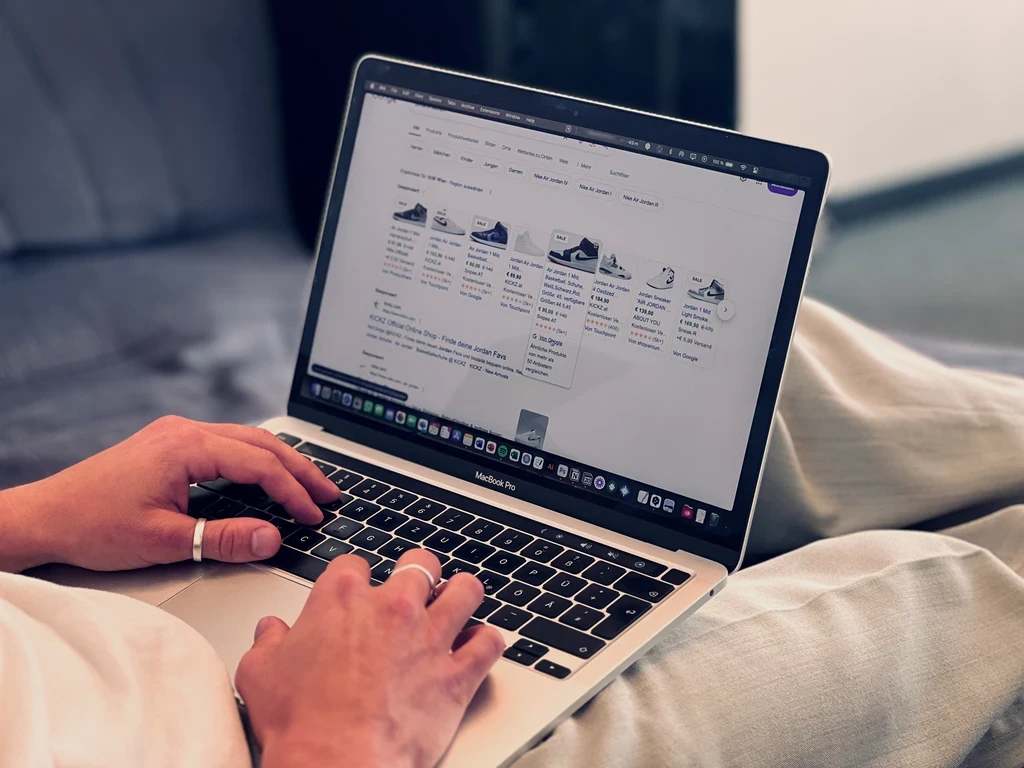
In the competitive e-commerce environment, a simple product image is often no longer enough to capture users’ attention. Google Shopping Lifestyle Images offer the solution here: with this new feature, you can present products in a natural, emotional setting. This not only increases the click-through rate, but also provides the AI behind PMAX with valuable data to serve your ads more relevantly. That way, you can use lifestyle images without risking policy violations.
What are Google Shopping Lifestyle Images?
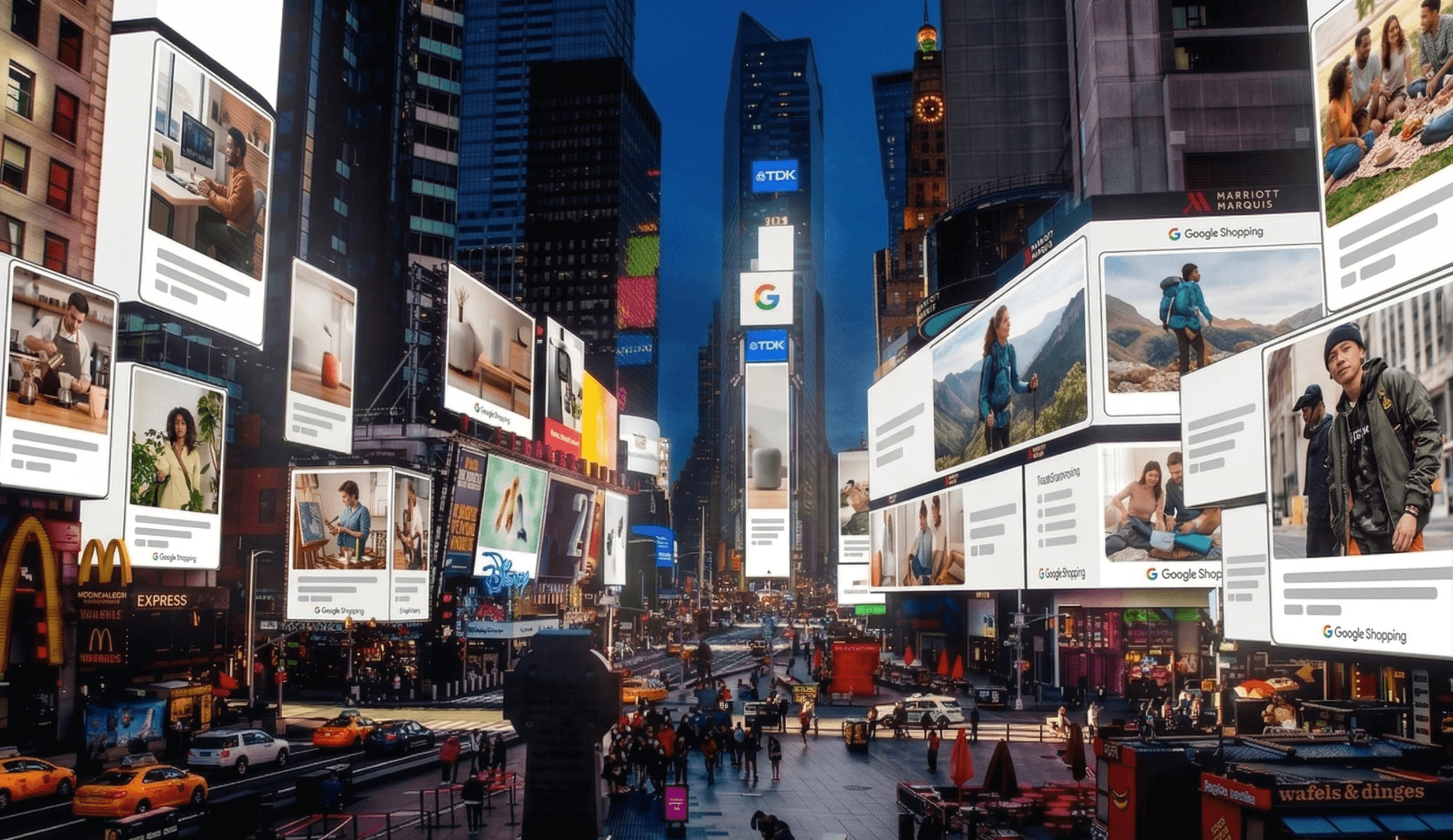
A Google Shopping Lifestyle Image is a product image that shows the item in a realistic, atmospheric setting or in use. Unlike the standard product image, which is subject to strict rules for a pure white background, the lifestyle image allows for a realistic and emotional presentation.
The key features at a glance:
Technical anchor: This is added via the optional feed attribute
lifestyle_image_link.Purpose: While the main image (
image_link) provides purely factual information, the lifestyle image is used for storytelling and inspiration.Serving: Google uses these images preferentially in visually driven formats such as Google Discover, YouTube or within "Shop the Look" modules in Search.
The technical background: the attribute lifestyle_image_link
To successfully integrate lifestyle images into your campaigns, you need to know the Google Merchant Centre technical requirements precisely. This is not a replacement for your main image, but an essential addition.
Definition: image_link vs. lifestyle_image_link
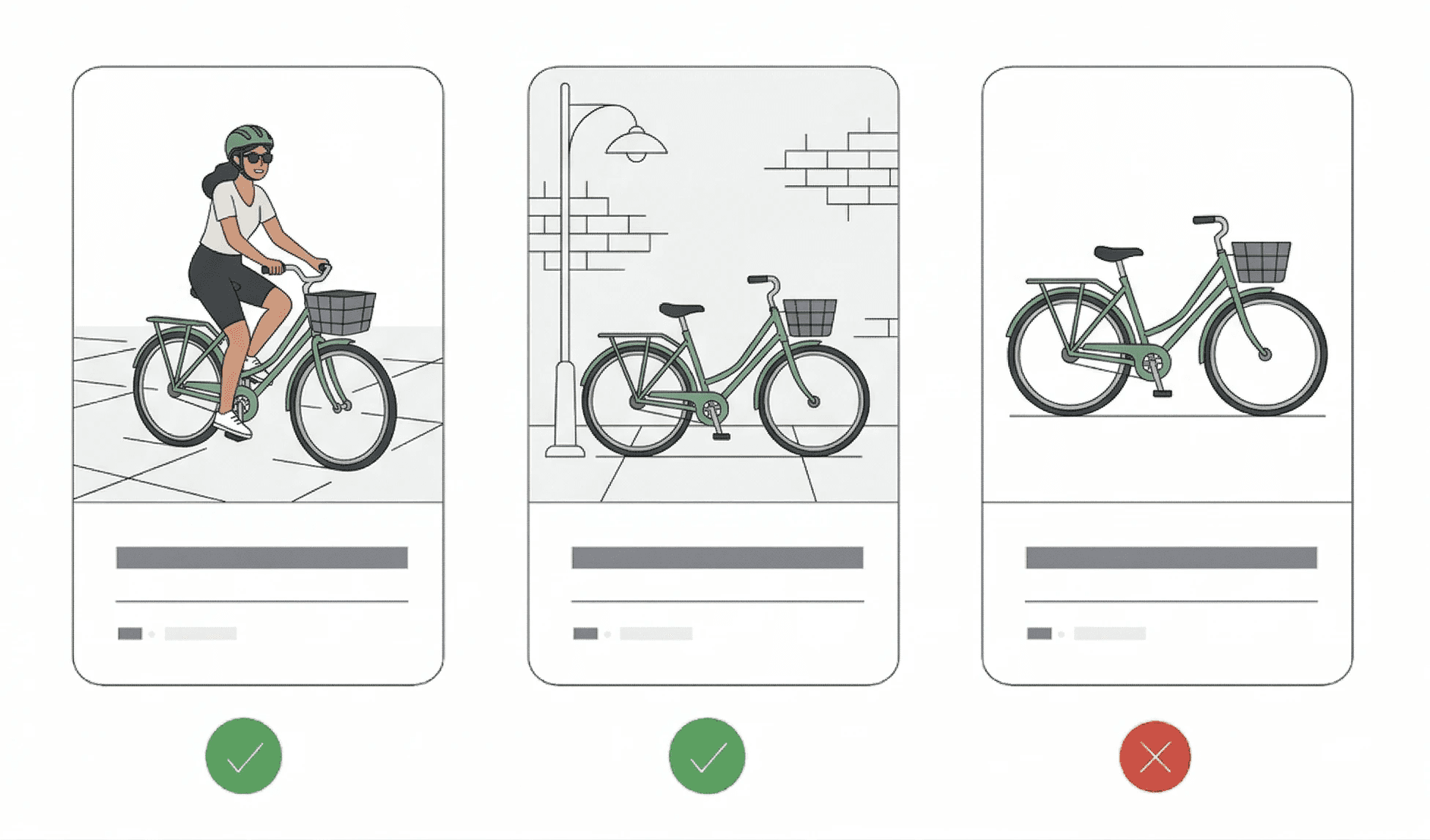
image_link(main image): The primary image of your product. It must show the product clearly, in full and against a pure white background. It is the basis for the classic Shopping ad.lifestyle_image_link(additional image): An optional attribute that shows the product in use or in an atmospheric setting. It adds emotional context to the product data.
Product data with an emotional context.
The technical specifications: So that Google accepts your lifestyle images and can process them optimally for GEO (Generative Engine Optimisation), they must meet the following criteria:
Aspect ratio: Google recommends a square (1:1) or a landscape format (e.g. 4:3 or 1.91:1). In practice, 1:1 has proved the most universal.
File size & resolution: The minimum requirements are 250 x 250 pixels, but we recommend at least 1200 x 1200 pixels so that it looks pin-sharp on all end devices (especially mobile).
File formats: Supported formats are .jpg, .png, .gif (not animated), .bmp and .webp.
Why this is important for AI models: Modern search systems and AI Overview models analyse image content today using computer vision. A clean lifestyle image helps Google understand the context in which your product is relevant (e.g. "outdoor", "living room", "sports"). The better the image matches the search context, the greater the chance of prominent placement in the new AI-powered search results.
Best practices & Google guidelines: what you absolutely must bear in mind with lifestyle images
The use of lifestyle images is subject to strict quality guidelines. As these images are often served in native environments such as Google Discover or YouTube, Google places great emphasis on a clean, aesthetically pleasing appearance without sales-promoting content.
The golden rules for your lifestyle images:
Absolute ban on text:
Unlike social media ads (e.g. on Meta or TikTok), Google Shopping lifestyle images may contain no text elements whatsoever.
This means:
No CTAs such as “Buy now” or “Only for a limited time”.
No price overlays or discount badges (e.g. “-20%”).
No product descriptions (e.g. “new” or “adaptable”)
No brand or shop names on the image
No logos or watermarks placed over the image. (A logo naturally visible on the product or packaging in the image is, however, allowed).
No artificial graphic elements: Avoid frames, overlays or icons. The image must look like professional photography, not like an advert banner.
Focus on authenticity: Users respond particularly strongly to realism in lifestyle images. Show the product in an environment that appeals to the target audience – for example, the e-bike on a forest path rather than in a sterile photo studio.
Avoid blur and poor lighting: Even if it is meant to look “natural”, the image quality must be highly professional. Make sure the product remains the clear focal point of the image and does not get lost in a busy background.
To avoid rejection in Merchant Centre, the Google-defined specifications for image size and format must be adhered to exactly (see Google Merchant Centre Help).
Best practice: the “in-use” strategy
You will achieve the best results if you show the product “in action”. Selling coffee beans? Show a steaming cup in a cosy kitchen atmosphere. Selling running shoes? Show a runner on a tartan track. This visual information is processed by Google’s AI immediately and helps to assign the ad to the right usage segments.
Strategic advantage: why lifestyle images are essential for GEO and PMAX
In modern Google Search, visibility is no longer a matter of luck, but the result of high-quality data input. Lifestyle images play a key role here:
Emotional lever: While the cut-out product image serves price comparison, the lifestyle image awakens desire. This leads to a higher click-through rate (CTR) and better user signals.
Context for AI: Google uses computer vision to understand image content. An image of a hiking shoe in the Alps helps the AI display your product preferentially for searches such as “best shoes for mountain tours” (GEO).
PMAX optimisation: Performance Max campaigns rely on different asset types. Lifestyle images fill the gap in visually dominated channels such as Discover and YouTube, where classic Shopping ads often get lost.
The Label Up Google Shopping tip: Use tools such as the Labelizer to isolate products with lifestyle assets in separate campaign clusters. This lets you see immediately whether the emotional presentation lifts your ROAS compared with the standard setup. |
Conclusion: why lifestyle images will be standard in 2026
Lifestyle images are far more than just a “nice extra”. In an e-commerce landscape increasingly shaped by visual AI models and automated campaigns such as PMAX, they form the bridge between technical relevance and an emotional purchase decision.
Anyone who wants to grow in the Google Shopping environment over the long term must gain control over their visual assets. By implementing lifestyle_image_link, you not only secure higher click-through rates, but also a prominent position in Google’s new GEO result worlds.
Combine this visual strategy with a strong technical foundation, for example your own Keyword CSS from Label Up, to invest the 20% CPC advantage directly into greater reach for your new lifestyle assets.
FAQs: common questions about Google Shopping Lifestyle Images
1. What are Google Shopping Lifestyle Images?
A Google Shopping Lifestyle Image is a product image that shows the item in a realistic usage context (e.g. a dress on a model in an urban setting instead of on a white background).
Technically, this is handled via the feed attribute lifestyle_image_link. While the main image (image_link) must always have a pure white background without distractions, lifestyle images are used to increase emotional engagement and significantly boost the click-through rate (CTR). Google primarily serves them in visually focused placements such as Google Discover or within specific shopping comparisons.
2. Can I add text or logos to my lifestyle images?
No. Google is very strict here. Any kind of overlays, call-to-actions (CTAs), prices or artificial logos will cause the image to be rejected. However, the product may naturally bear logos (e.g. a brand logo on a T-shirt).
3. Do lifestyle images replace my normal product photos?
No. The main image (image_link) must still be a clear cut-out on a white background. The lifestyle image (lifestyle_image_link) is an additional asset that Google uses for specific placements such as Discover or YouTube.
4. Which format is best for lifestyle images?
We recommend a square format (1:1) with a resolution of at least 1200 x 1200 pixels. This format is the most flexible and works equally well on mobile devices and desktops.
5. How do I upload lifestyle images to Merchant Centre?
You can either create them directly in your main feed using the lifestyle_image_link attribute or – if your shop system does not support this, simply add them via a Supplemental Feed.
6. Do lifestyle images improve my ROAS?
Indirectly, yes. Through the higher CTR and better classification by Google AI (GEO relevance), you get more qualified traffic. Combined with a smart bidding strategy, this usually leads to more efficient performance for your PMAX campaigns.
Our source: https://support.google.com/merchants/answer/9103186?hl=en
About

Label Up is a tech provider from Vienna that helps agencies and shops achieve better results with its own Google Shopping CSS and smart label-based optimization.

Other topics